Discover the Top 10 Open Source Projects to Explore
Level Up Your Skills and Contribute to Real-World Code

Sharing thoughts, tools, and tutorials from a hands-on journey through open source software and self-hosted tech.
Here is a list of some of my favorite software, resources and tools that I frequently use. Make sure to support the developers of your favorite open source projects.
-
While there are plenty of great open source editors out there, my go-to has been Microsoft’s Visual Studio Code. It’s fast, powerful, and has an incredible extension ecosystem.
But there’s a catch: the official VS Code builds include telemetry and are distributed under a Microsoft-specific license—not fully open source.
Enter VSCodium. It’s the same open-source VS Code codebase, but compiled without the tracking, branding, or proprietary licensing. You get the same editor, same extensions, and same performance—just with more privacy and full open-source integrity.
If you love VS Code but want something cleaner and freer, VSCodium is an easy switch.
-
I previously relied on pfSense for my home lab's routing needs, but recent licensing changes pushed me to explore alternatives. That's when I switched to OPNsense—a fully open-source firewall and routing platform. The transition was seamless, the interface is cleaner, and the frequent updates and transparency make it a more community-driven choice.
-

GIMP is a powerful, open-source alternative to Photoshop that enables users to create, edit, and enhance images without a subscription. With support for layers, masks, filters, and custom plugins, it’s perfect for designers, photographers, and hobbyists looking for professional-grade tools—free of cost.
-

Proxmox VE is a full-featured virtualization platform that lets you run and manage virtual machines and containers with ease. With a web-based GUI, built-in backup options, and clustering support, it's ideal for home labs and small businesses seeking enterprise-level features without licensing fees.
-
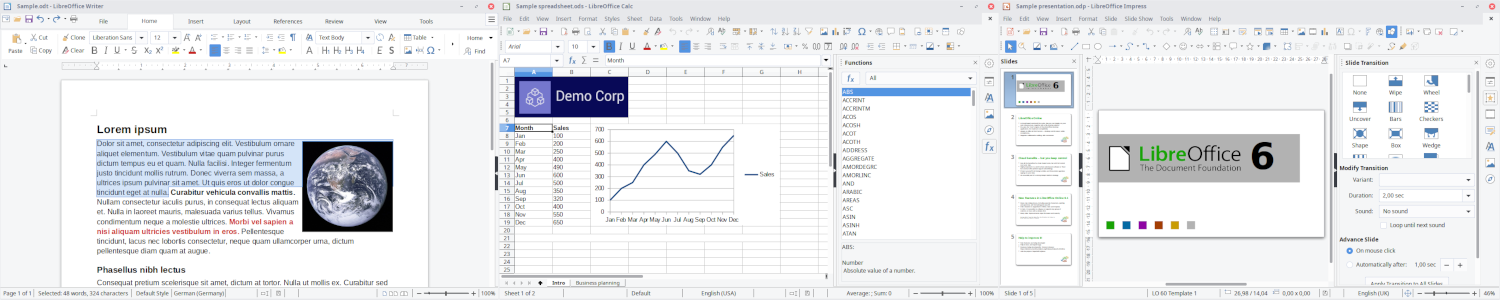
A great alternative to the Microsoft Office suite.
-
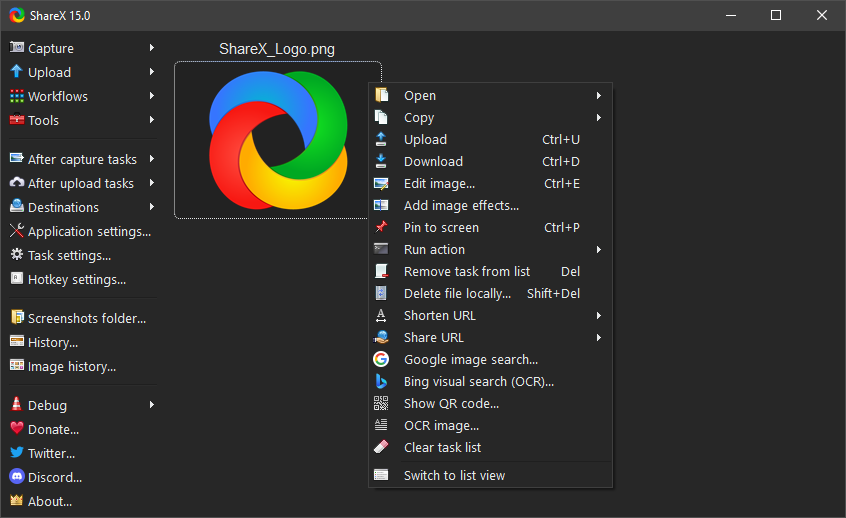
ShareX is a versatile screenshot and screen recording tool that streamlines capturing, editing, and sharing your screen. With customizable workflows, automated uploads, and advanced annotation tools, it’s a must-have for content creators and productivity enthusiasts.
-
My most used tool on this list, Bitwarden is a password manager and it's an improvement of most people's approach to passwords. You can self-host your own installation for complete control or use their cloud servers on their free tier. While the free tier is excellent, I own Yubikeys and to use them it's necessary to upgrade to their $10/year subscription and it has been more then worth it.
-
FreeCAD is a parametric 3D modeling tool ideal for engineers, product designers, and hobbyists. Whether you’re designing mechanical parts or architectural plans, FreeCAD’s open-source flexibility and active community make it a great choice for creating precision models without expensive CAD licenses.
I frequently use it to create Raspberry Pi cases for my custom use cases.
-
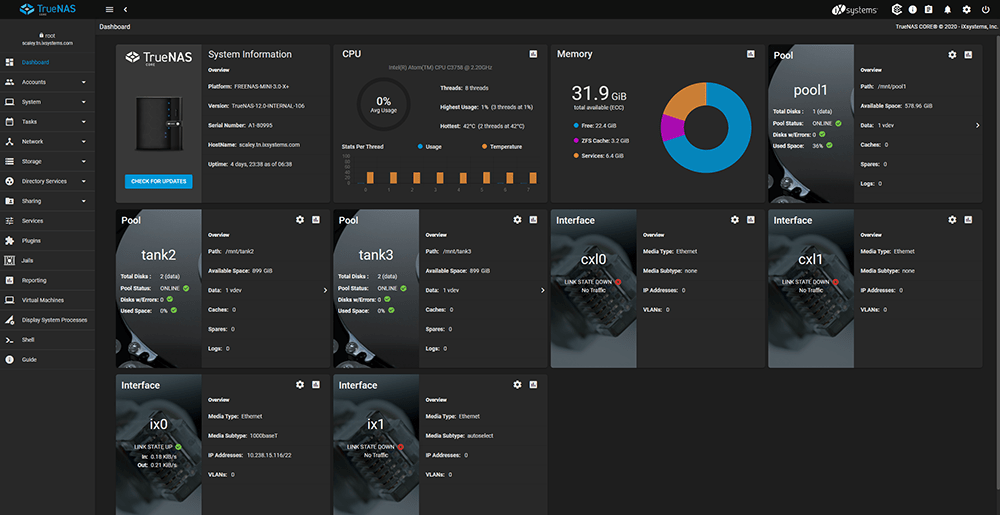
TrueNAS is an enterprise-grade network-attached storage (NAS) solution that helps you store, manage, and protect your data. With features like ZFS, snapshots, and replication, it’s perfect for home users and professionals who value data integrity and scalability.
-
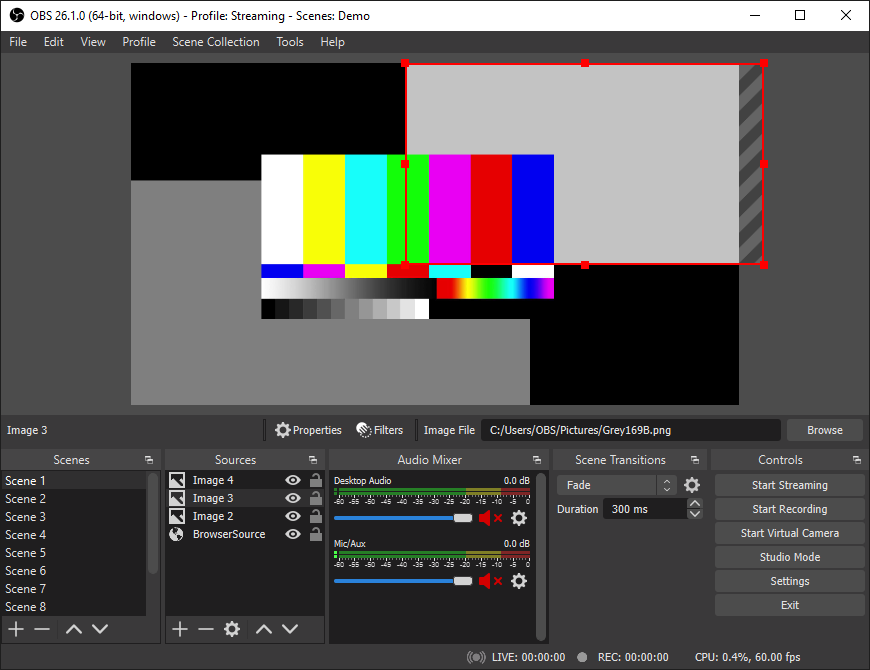
OBS Studio is the go-to tool for streamers and content creators who want professional-quality video without the cost. It supports real-time audio/video mixing, multiple sources, and custom transitions—perfect for livestreaming, recording tutorials, or hosting virtual events.